

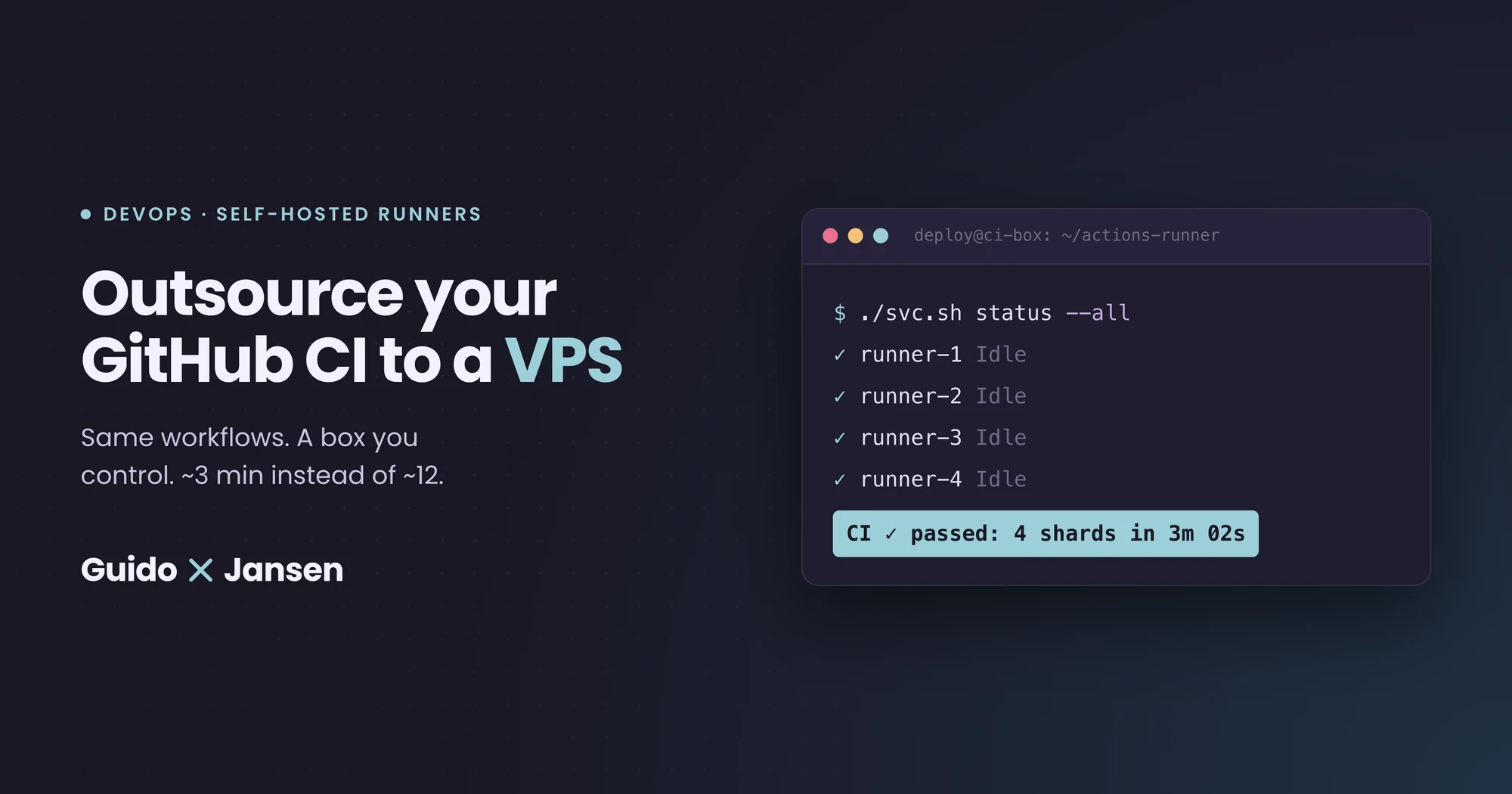
I spent $60 on GitHub Actions minutes last month. The CI run on my biggest repo was crawling at ~12 minutes per PR, long enough that I’d context-switch and lose the thread before it finished.
So instead of throwing more money at GitHub, I rented a small VPS for about half the price and pointed my workflows at it. CI now finishes in ~3 minutes. Same workflows, same tests, just running on a different box. As a bonus, that same VPS can now also double as an encrypted backup target.
If you’re already comfortable with GitHub Actions and currently paying €30+/month for hosted minutes (or just waiting too long for green checks), this guide is for you 👇
What’s actually happening here
GitHub Actions has two kinds of runners:
- GitHub-hosted runners: the default
ubuntu-latestVMs. Convenient, but on private repos you pay per minute, and the 2-core/8GB shape is modest for anything beyond toy projects. - Self-hosted runners: your own machine, registered with GitHub. The runner agent polls GitHub for jobs, executes them locally, and reports results back. No inbound ports. No managed-service complexity.
GitHub doesn’t charge you for self-hosted runner minutes today. They floated a $0.002/min platform fee for self-hosted earlier this year but postponed it past the announced March 2026 start. So right now: a self-hosted runner costs you exactly what the box costs.
A “box” here can be a refurbished mini PC under your desk, a Raspberry Pi cluster, your homelab, or (easiest) a cheap VPS. I went with the VPS route because I wanted something always-on, with predictable network performance.
Quick note if you’re on Tangled instead of GitHub
If you’ve already moved your code to Tangled (the atproto-native git forge): you also have this option. You just run a Spindle on it instead of a GitHub Actions runner. Spindles are Tangled’s CI runners, self-hosted by design: they subscribe to pipeline events from your knot over a websocket, spin up a Docker container per run, and pull dependencies from nixpkgs. The same “rent a small VPS, run the runner there” maths works exactly the same way. Setup is in the official Spindle blog post, and the YAML syntax is close enough to GitHub Actions that porting workflows is mostly mechanical.
If you want to keep using something other than Spindle’s native pipelines, take a look at mitchellh.com/tack, which helps you stitch arbitrary CI into Tangled.
The rest of this guide is GitHub-specific, but the sizing, security, and “what else to do with the box” sections are the same.
The problem with paying GitHub for hosted minutes
Four things that bit me:
- The price stacks up fast if you actually use it. I blow through the allotted 3,000 minutes (that come with the paid plan) in a few busy days, then pay $0.008/min compute + $0.002/min platform fee for every additional minute on a 2-core runner. Bigger runners cost more. For context, last month (May 2026) my org burned 14,987 Linux minutes across active repos: $89.92 gross, $55.28 net after the included minutes. The bulk of that ($60) came from one repo with a heavy Next.js build + test suite. That’s heavy active development, not “a few PRs a day”, but the maths scales linearly: cut your usage in half and you’re still well past the free tier on any non-toy project.
- GitHub’s
ubuntu-latestis small. 2 cores, 8GB RAM. Fine for linting, painful for a Next.js build plus a typecheck plus a vitest suite plus an audit job. - Wall-clock is bounded by node-startup overhead. Even when your actual job is fast, GitHub has to pick up the job, allocate a runner, and bring it online before any of your steps execute. On a hot self-hosted runner, that startup is near zero.
- GitHub’s reliability is not great lately. Trying to make myself more and more independent of it is just a smart way to go about it imho…
The result: I pay more, wait longer, and have less control over the runtime.
What I did instead
I rented a single 8 vCPU / 16 GB RAM Hetzner Cloud VPS (CPX42, AMD EPYC, 320GB NVMe storage, ~€32/month at the time of writing). Hetzner adjusted prices on 1 April 2026, so check the current rate. If you are happy to host outside the EU, cheaper options are available.
On that box I run four parallel runner agents, all registered to the same self-hosted pool with a shared label. Each runner picks up one job at a time, so the box can chew through four CI jobs concurrently. That matters a lot once you split your test suite into shards.
The CI workflow then asks for that pool by label, and the GitHub-hosted aggregator step only kicks in at the end to fan-in the results.
Most of the speed-up comes from dropping the “one CI job at a time” default: once you control the box, you can run several jobs in parallel and shard slow suites across them.
End result on my biggest repo: ~12 minutes down to ~3-4 minutes wall-clock, for about half the monthly cost.
What you need to make this work
Before you start, make sure you have:
- A VPS or any always-on Linux box. I’ll use Hetzner Cloud as the concrete example, but Scaleway, OVH, Netcup, Hostinger, your homelab Proxmox, or that old Intel NUC in a drawer all work the same way. Sizing: 4 vCPU / 8 GB RAM is ok for non-trivial JS/TS projects. 8 vCPU / 16 GB lets you run more parallel runners.
- Admin access on your GitHub repo or org: you’ll need to register the runner under Repository Settings, then Actions, then Runners. Org-level if you want to share runners across repos.
- SSH access to the box, and basic comfort with systemd, ufw, and Docker (or a capable LLM to do that for you).
- A workflow you can change. If your CI is locked down by policy, talk to whoever owns it before pointing it at infrastructure you control.
A note on security: a self-hosted runner runs whatever your workflow tells it to run. For private repos this is fine, because only people who can push to the repo can trigger jobs. Do not connect a self-hosted runner to a public repo unless you really know what you’re doing. A malicious PR can execute arbitrary code on your box. GitHub warns about this explicitly.
The setup, step by step
Here’s the setup step by step for you to execute, or to point your LLM to. In my experience, agents can do a pretty good job of handling this much faster than you can manually.
1. Provision the VPS
I use Hetzner Cloud, which is a few clicks: Ubuntu 24.04, the size you want, an SSH key. Same idea on any box/provider.
Once it’s up, harden it the usual way:
# As root, the moment the box is reachable
adduser deploy
usermod -aG sudo deploy
rsync --archive --chown=deploy:deploy ~/.ssh /home/deploy

# Lock down SSH (PermitRootLogin no, PasswordAuthentication no)
sed -i 's/^#\?PermitRootLogin.*/PermitRootLogin no/' /etc/ssh/sshd_config
sed -i 's/^#\?PasswordAuthentication.*/PasswordAuthentication no/' /etc/ssh/sshd_config
systemctl restart ssh

# Firewall: nothing inbound except SSH. The runner is outbound-only.
ufw allow OpenSSH
ufw --force enable
The runner doesn’t need any open inbound ports, it polls GitHub over HTTPS. Nice security property: the VPS has no public attack surface beyond SSH.
2. Install whatever your jobs need
Whatever was implicit on ubuntu-latest you now have to install explicitly. For a typical JS/TS project that means:
# Node (via your favourite manager: fnm, nvm, or apt)
curl -fsSL https://fnm.vercel.app/install | bash
fnm install 22 && fnm default 22

# pnpm/npm. Note that Node 26+ dropped corepack from default installs,
# so don't assume `corepack enable` works on a fresh box.
npm install -g pnpm@10

# Git, build tools
apt-get install -y git build-essential

# Docker, if your tests use containers (e.g. Postgres for integration tests)
curl -fsSL https://get.docker.com | sh
usermod -aG docker deploy
Don’t underestimate this part. Every transitive dependency the GitHub-hosted image bundled for you (ImageMagick, Chrome, headless browsers, language runtimes) you may need to install or pull on demand. Take note of what your workflow currently uses.
3. Register one runner
In GitHub: open Repo (or Org) Settings, then Actions, then Runners, then “New self-hosted runner”. Pick Linux x64. GitHub shows you a download and configure block that looks roughly like this:
mkdir -p /opt/actions-runner-1 && cd /opt/actions-runner-1
curl -o actions-runner-linux-x64.tar.gz -L \
  https://github.com/actions/runner/releases/download/vX.Y.Z/actions-runner-linux-x64-X.Y.Z.tar.gz
tar xzf actions-runner-linux-x64.tar.gz

./config.sh \
  --url https://github.com/YOUR_ORG/YOUR_REPO \
  --token YOUR_REGISTRATION_TOKEN \
  --name runner-1 \
  --labels self-hosted-ci \
  --unattended
The label matters: it’s how your workflow targets this pool. Pick something specific to your team, not the generic self-hosted.
Then install it as a systemd service so it survives reboots:
./svc.sh install deploy
./svc.sh start
You should now see “runner-1, Idle” on the GitHub Settings page. That alone is enough to run jobs.
4. Run multiple runners on the same box
This is where the speed-up really comes from ⚡. A 16GB box can comfortably host 3-4 concurrent JS/TS jobs. Repeat step 3 with different directories and names:
mkdir -p /opt/actions-runner-{2,3,4}
# Get a fresh registration token from GitHub for each
# ./config.sh ... --name runner-2 ...
# ./svc.sh install deploy && ./svc.sh start
All four runners share the self-hosted-ci label. When a CI run kicks off four matrix jobs, GitHub hands one to each idle runner. They execute in parallel, on the same box, no coordination needed.
Reality check on sizing: each Node pnpm install + pnpm build can briefly spike RAM hard. On a 16GB box with 4 runners, I’ve occasionally seen one shard get OOM-killed during peak. If you see that, drop to 3 runners or move to a bigger box. CPU isn’t usually the bottleneck, memory is.
5. Point your workflow at the runner pool
In your workflow file:
jobs:
  test:
    runs-on: ${{ vars.CI_RUNNER || 'self-hosted-ci' }}
    strategy:
      fail-fast: false
      matrix:
        shard: [1, 2, 3]
    steps:
      - uses: actions/checkout@v4
      - uses: ./.github/actions/setup
      - run: pnpm vitest run --shard=${{ matrix.shard }}/3
Two things to notice.
The vars.CI_RUNNER fallback. This reads a repository variable if it’s set, otherwise defaults to your self-hosted label. If your VPS dies at 2am, you set CI_RUNNER=ubuntu-latest in repo settings and every workflow falls back to GitHub-hosted runners on the next push. No code change, no PR. This one variable buys you a lot of sleep.
The shard matrix. Vitest, Jest, Playwright, and most modern test runners support --shard=N/total. With four runners idle and a 3-way shard, your test job runs in roughly a third of the previous wall-clock. Tune the shard count to the slowest job, not the average.
6. Keep one job on GitHub-hosted as a safety net
In my setup, every job moved to self-hosted except the final aggregator:
check:
  needs: [lint, typecheck, test, build, audit]
  runs-on: ubuntu-latest # intentionally stays GitHub-hosted
  if: always()
  steps:
    - name: Fail if any dependency failed or was cancelled
      if: contains(needs.*.result, 'failure') || contains(needs.*.result, 'cancelled')
      run: exit 1
    - name: Success
      run: echo "All jobs passed"
I did this because the aggregator is the required check that gates merges. If your self-hosted box goes down mid-run, jobs that haven’t started yet get stuck in “queued” forever, but the aggregator on ubuntu-latest will still resolve and at least give you a clean failure signal. It’s also a near-zero-cost job: GitHub-hosted minutes for a 5-second exit 0 are noise on the bill.
7. (Optional) Keep e2e on GitHub-hosted
My Playwright e2e workflow still runs on ubuntu-latest. It’s a separate workflow file, runs nightly, and the marginal cost is small. Keeping it isolated means flaky browser tests don’t tie up my CI runner pool during the day. Pick which jobs go where based on frequency times duration, no need for a blanket “everything self-hosted”.
The trade-offs
As always, things have pros and cons…
- It’s a box you own now. Patching, monitoring, security, log rotation, disk filling up: that’s all on you. Budget an hour every few weeks.
- Clean-room becomes a choice you have to make. GitHub-hosted runners are fresh every time by default, you don’t think about it. On a self-hosted box you pick: leave the runner persistent (caches stay hot,
node_modules, Docker layers, and build caches all survive between runs, faster, but a stale cache can occasionally hide a bug that only surfaces on a clean checkout), or run ephemeral container-based runners like myoung34/github-runner (fresh container per job, same guarantee as GitHub-hosted, slightly more setup and a bit slower because nothing’s cached). I default to persistent for the speed and add a periodicactions/runnerwipe job. If stale-cache bugs become a pattern, flip to ephemeral. Both are valid, it’s just a knob you now own. - One box, one failure domain. If the VPS hard-fails, all your CI is down until you provision a new one or flip the
CI_RUNNERvariable. Probably good to plan the rollback drill before you need it 😅 - Security model is different. Anyone who can merge to a branch that runs CI can execute code on the box. Don’t reuse this VPS for anything sensitive. Treat it as compromised-at-any-time and keep secrets in GitHub, not on the runner.
For private-repo work where the team is small and trusted, these are all manageable. For a public open-source project, the security trade-off alone is often disqualifying.
Bonus: what else to do with the box
The CI workload is bursty: peaks during the workday, idle most evenings and weekends (well… it should be at least… 😳). That’s a lot of compute and bandwidth to leave unused. A few things that pair well with a CI box without fighting it for resources:
- Encrypted backup target. This is what I did. restic over SFTP, with a dedicated user on the runner box restricted to
internal-sftponly. Daily cron pushes encrypted snapshots. CI doesn’t notice, backups don’t notice, and you save the cost of a separate backup service. - Monitoring / metrics hub. Run Prometheus or VictoriaMetrics plus Grafana to scrape your other servers. CI jobs are intermittent CPU spikes that don’t conflict with steady metric ingestion.
- Tailscale / WireGuard exit node or coordination server for your homelab.
- A staging environment for one of your projects.
- Image registry mirror (Harbor or Zot): your CI pulls images anyway, might as well cache them locally.
So yeah, anything steady-state low-CPU combines well with bursty high-CPU CI work. Anything bursty high-CPU that overlaps with CI hours (e.g. a heavy nightly batch job) does not.
When to bother
Worth your time if at least two of these are true:
- You’re paying €30+/month on GitHub Actions and the bill is growing.
- Your CI takes long enough that you’ve started waiting on it instead of immediately context-switching back to it.
- You already have, or are happy to operate, one small Linux VPS or homelab box.
- You have private repos with a trusted team.
Not worth it if:
- You’re on GitHub free tier for a public repo (CI is already free there).
- You don’t want to own infrastructure (totally fair, GitHub-hosted is fine).
- Your CI is mostly fast enough already.
For me the maths was simple: half the price, three times the speed, and a backup target I’d otherwise have paid for separately. Three months in, the only ops work has been one Docker version bump and watching disk usage. No regrets.
If you’ve done something similar, or have a clever use for the spare CPU on a CI box, I’d love to hear about it!